You speak,
ByeType refines.
The AI keyboard that turns your voice into perfectly formatted text — in any app, any language.
"um hey so I wanted to like tell you that the meeting tomorrow is uh moved to 3pm instead of 2 and also bring your laptop"
Hey! The meeting tomorrow has been moved to 3 PM instead of 2 PM. Please bring your laptop.
iOS on App Store · macOS available · Android & Windows coming soon
App Preview
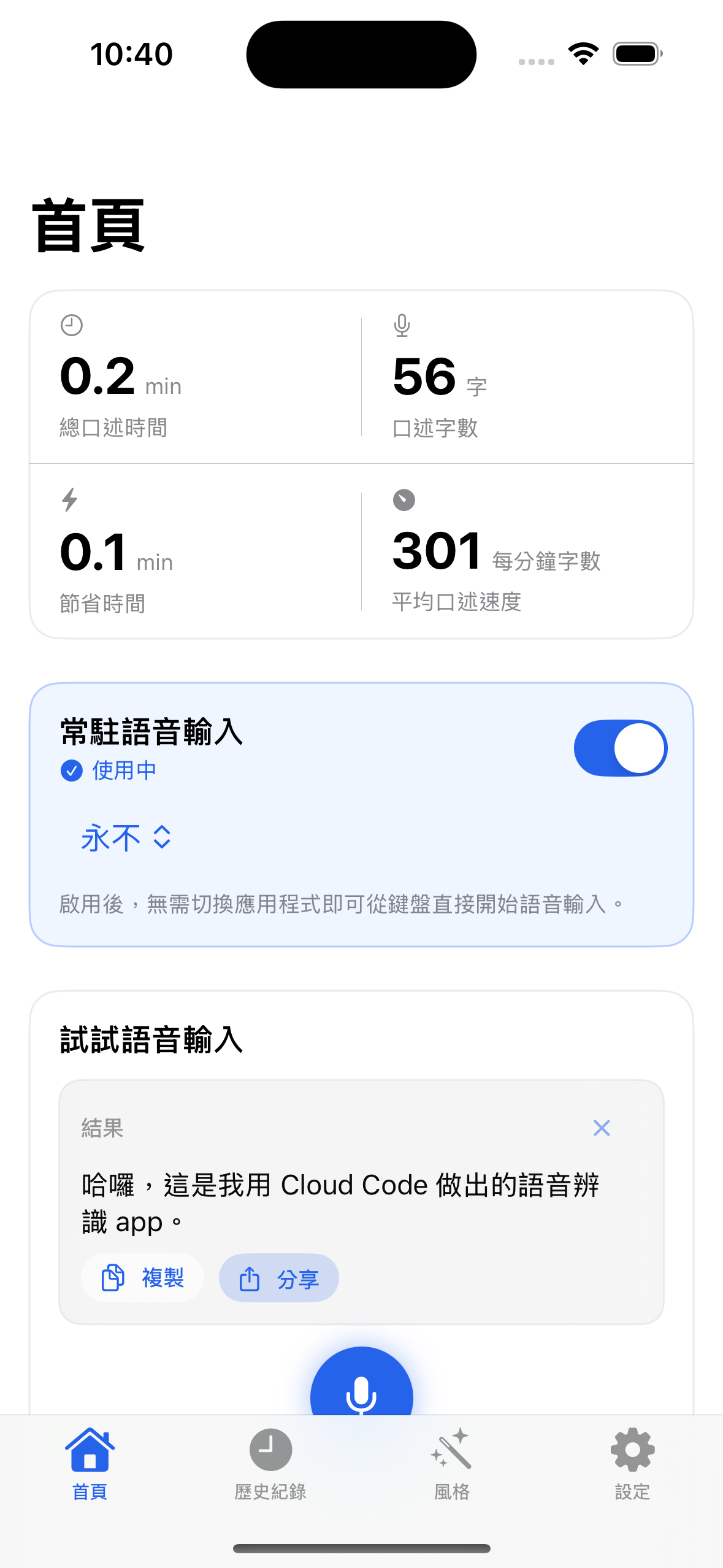
Home
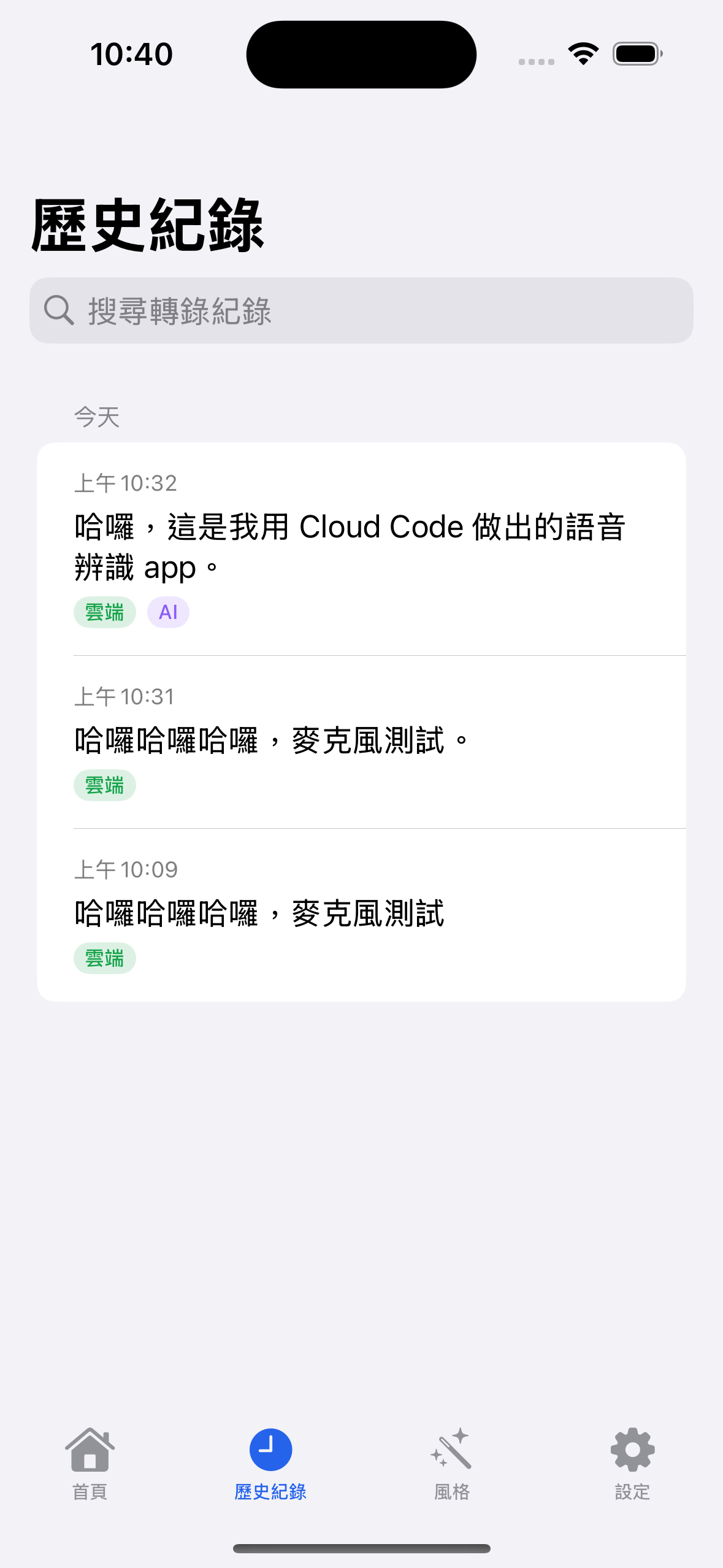
History
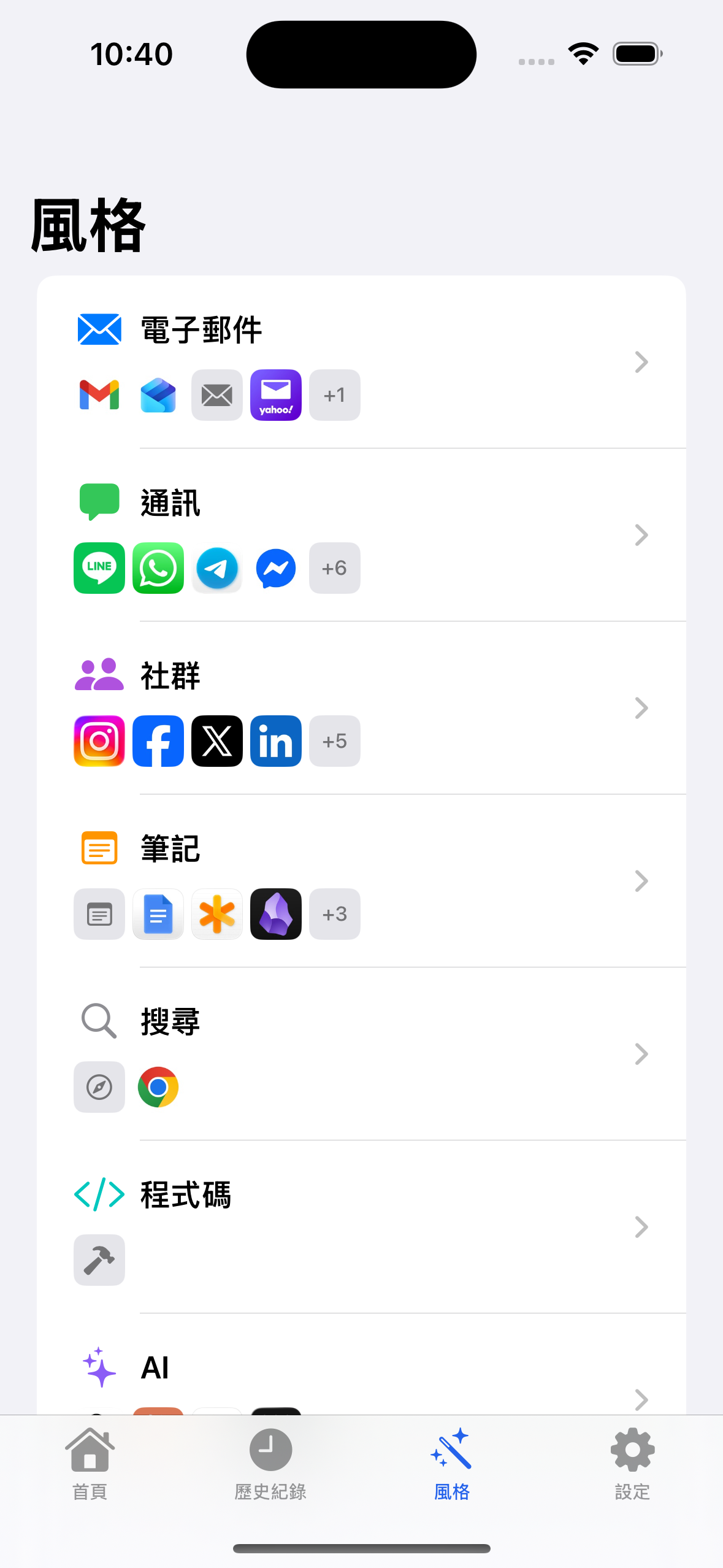
Style
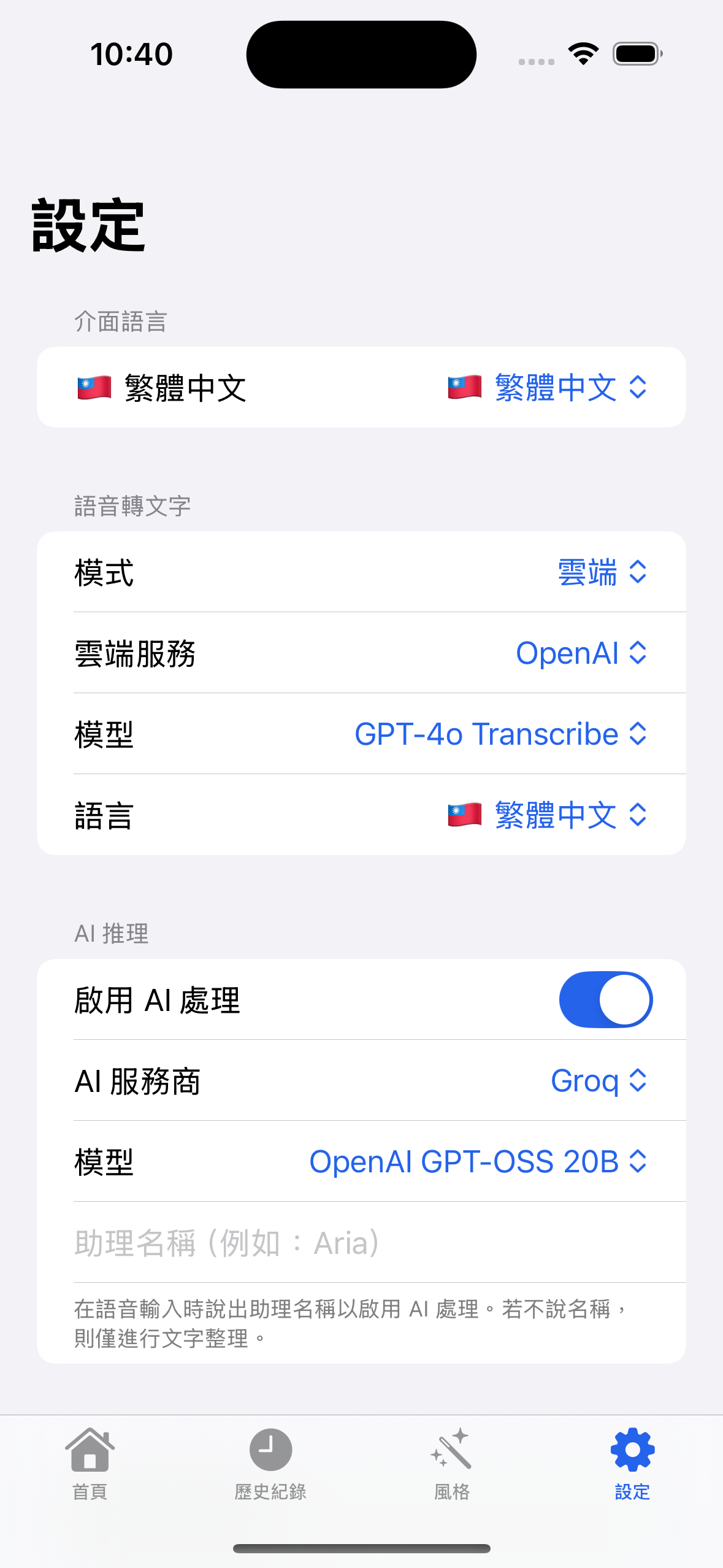
Settings
Everything you need to ditch typing
Powerful AI features that make voice input better than typing.
System-Wide Voice Keyboard
Works in any app — Messages, Email, Notes, Slack, and more. Just switch to ByeType and start talking.
AI Text Cleanup
Removes filler words, fixes grammar, and adds punctuation automatically. Your speech, perfected.
Context-Aware Formatting
Detects if you're messaging, emailing, coding, or note-taking — and formats your text accordingly.
Privacy-First Design
On-device model support plus Bring Your Own Key (BYOK). Your data, your control.
AI Reasoning Mode
Ask questions, compose content, brainstorm ideas — powered by leading AI models.
20 Languages
English, 繁體中文, 日本語, 한국어, Español, Deutsch, and 14 more languages supported.
Custom Dictionary
Register domain-specific terms so the AI corrects ASR mistakes for your vocabulary.
Dual Transcription
Choose on-device processing with WhisperKit or cloud transcription via OpenAI, Groq, or ElevenLabs.
How it works
Three steps to perfectly polished text.
Install & Enable
Add ByeType keyboard in Settings. One-time setup takes less than a minute.
Speak Anywhere
Switch to ByeType keyboard in any app and tap the mic. Talk naturally.
Get Polished Text
AI cleans up your words — no filler, perfect grammar, right format for the context.
20 languages and counting
Speak in your language. ByeType understands.
Works everywhere you type
Free during beta
Get early access to all features at no cost. iOS on App Store, macOS available now.
- System-wide voice keyboard
- AI text cleanup & formatting
- Context-aware output
- On-device & cloud transcription
- 20 language support
- Custom dictionary
- AI reasoning mode
About the Developer
Built by a Taiwan-based AI engineer. Your privacy is personally upheld.

Wei-Ren Lan
Applied AI Engineer
Taipei, Taiwan
7+ years building production AI systems, specializing in speech recognition, audio intelligence, and on-device ML deployment. Previously led an AI team shipping ASR, speech denoising, and real-time inference to production. ByeType combines years of hands-on voice technology expertise into a voice input tool that actually works.
Latest Post
Read more →ByeType for macOS Is Here — Press to Talk, Release to Paste
ByeType for macOS: fully on-device speech recognition, AI-powered text enhancement, and a global hotkey that lets you voice-type into any app. 5 STT engines, multiple LLMs, privacy first.
Frequently Asked Questions
Everything you need to know about ByeType.
What is ByeType?
What is BYOK (Bring Your Own Key)?
Does ByeType steal my API key?
How does ByeType know which app I'm using?
Why does ByeType need an internet connection?
What model combination do you recommend?
What languages does ByeType support?
Can I use ByeType for voice typing?
Does ByeType support voice input?
Can I use ByeType in WhatsApp?
Ready to say goodbye to typing?
iOS available on App Store. Join the Android & Windows waitlist.
By clicking, you agree to our Privacy Policy. We'll only email you about beta testing.